03 · JOINING
I’m looking for my people
Read a creator’s public page before deciding whether to join. You need an account only when you choose to participate.
Checking the public directory…
Browse→Join→Contribute
 stonkbuilderCOMMUNITY
A home for the StonkBuilder community
Discover the builders, follow the conversation, and see how thoughtful contributions move the community forward.
Browse first. No account is needed to explore.
 A community is built together
01People before metricsFind creators by the work they share.
02Context with every signalSee the source and how scores work.
03Clear participation rulesKnow what is live before you join.
START WHERE YOU ARE
Choose a route. You can look around first; create an account only when you’re ready to take part.
Open Mindshare, browse official updates, and check the campaign’s current status. No account needed to look around.
Set up your creator profile, add links and updates, then preview your page before publishing.
Read a creator’s public page before deciding whether to join. You need an account only when you choose to participate.
Checking the public directory…
A COMMUNITY YOU CAN UNDERSTAND
Start with the live dashboard, then follow the paths that fit you. Each preview below reflects a real community surface.
Browse the leaderboard, inspect contribution details, and learn what the current snapshot includes.
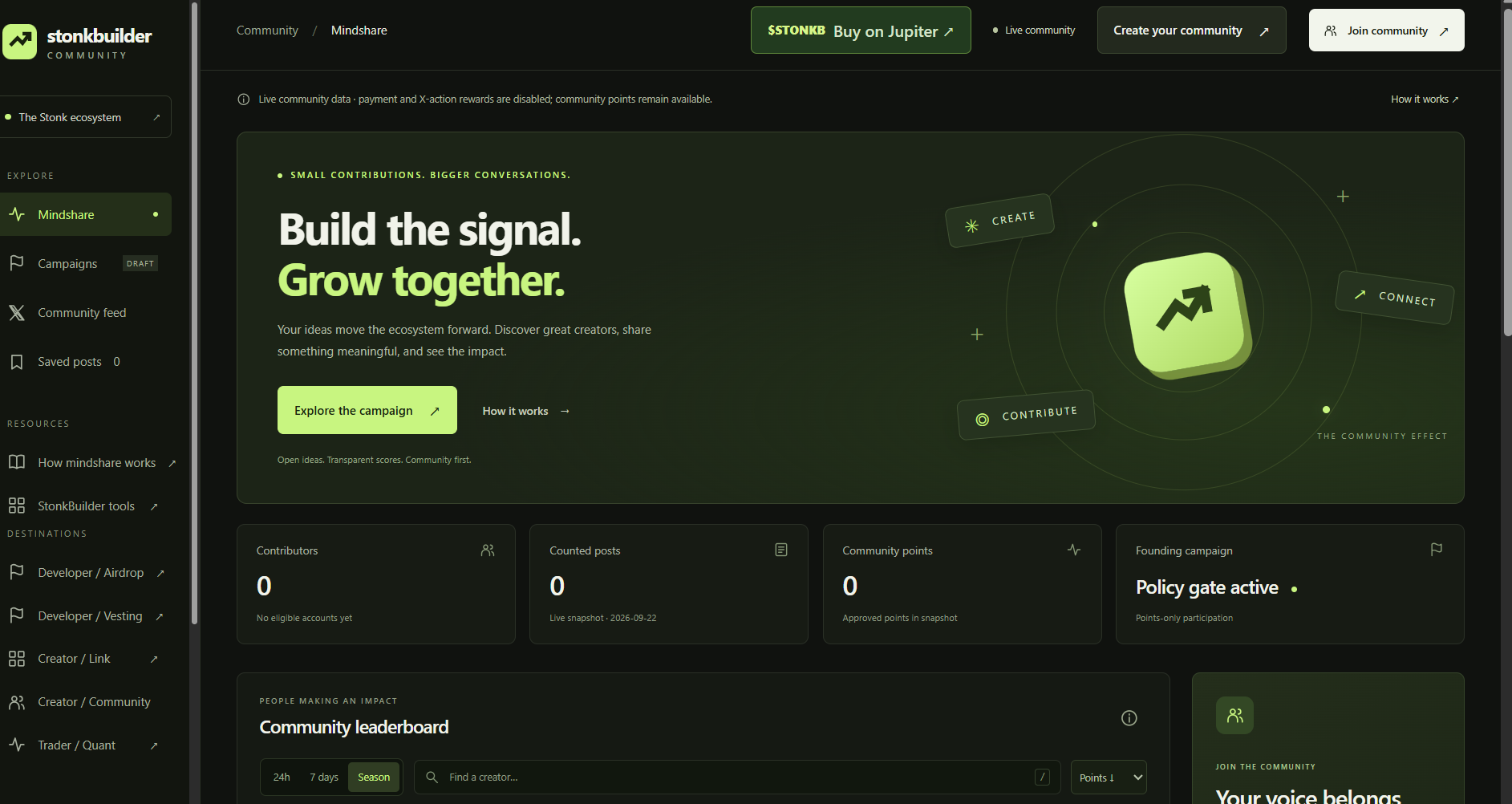
MINDSHARE · USER SCREENSHOT · 29 SEP 2026
User-provided dashboard screenshot received 29 Sep 2026. Metrics are dated 22 Sep; this image is not live. Open Mindshare for current counts and campaign status.
Open current MindshareDated Mindshare screenshotFeature illustrations are clearly labeled; open the full dashboard for current counts and status.
WHAT'S AVAILABLE
Community features can change. We show current limits instead of promising what is not active.
DISCOVER
Search creators, explore the live snapshot, and open score details to understand what the community data represents.
Explore Mindshare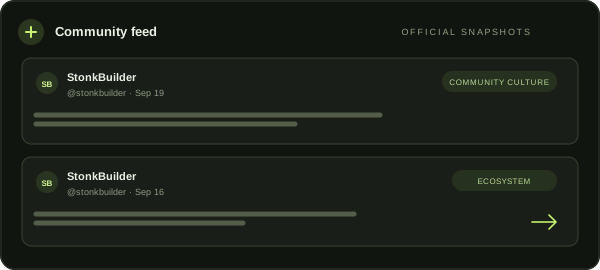
FOLLOW
Read dated snapshots of StonkBuilder posts, filter by topic, open the original post, and save useful context in this browser.
Browse the feed
PARTICIPATE
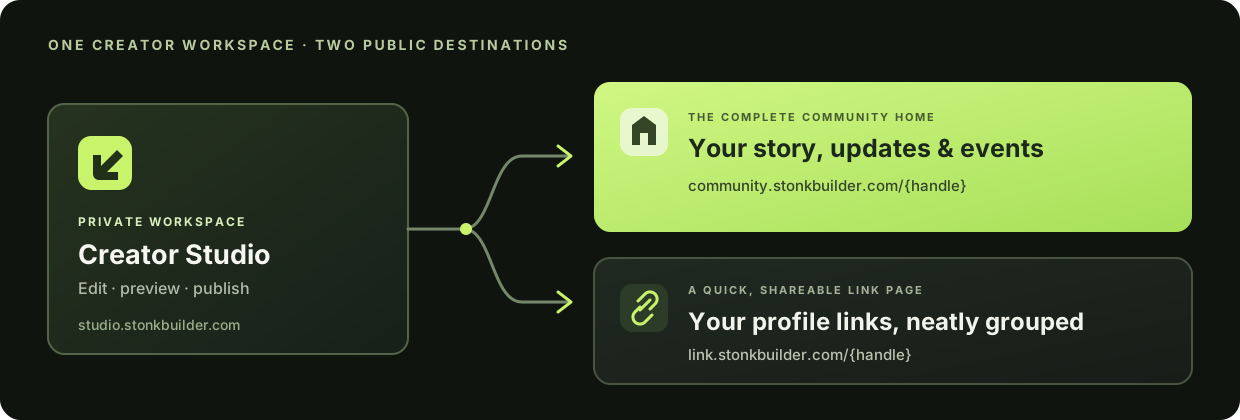
Creators can publish a branded community home with links, updates, events, questions, and member access.
Find a community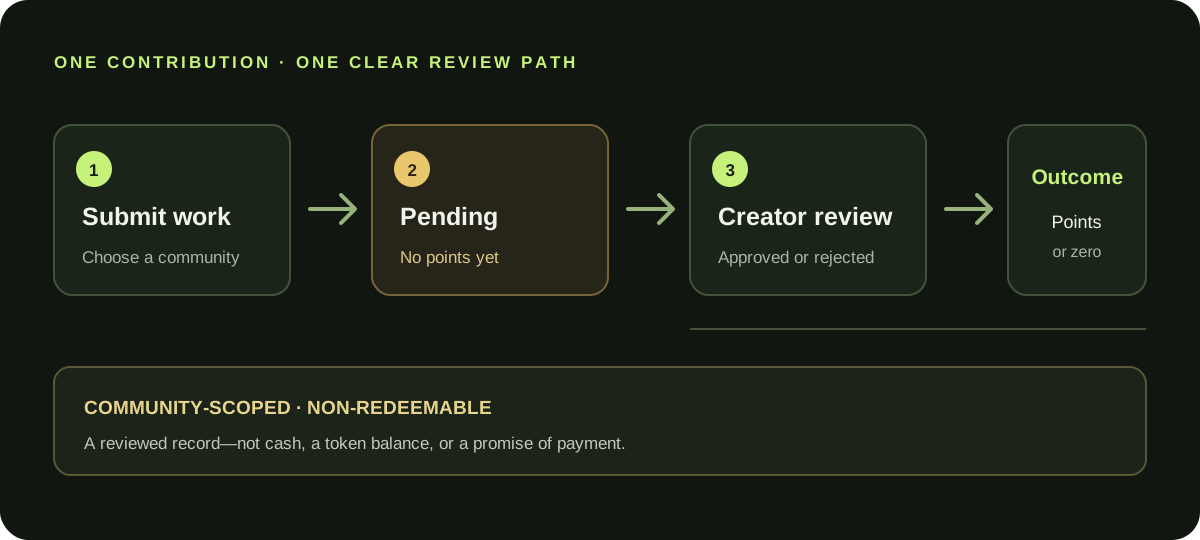
CONTRIBUTE
Submit useful work, see when it is pending, and follow the creator’s decision. Approved points stay in that community; a pending submission earns none.
See the member journey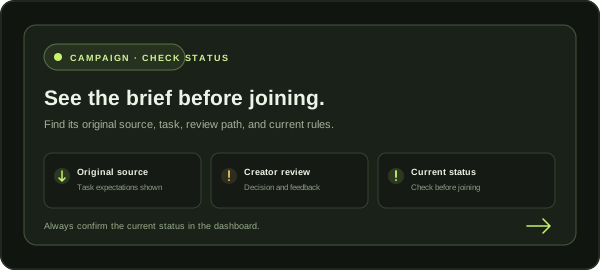
CAMPAIGNS
Open the dashboard for the current campaign status. No reward or payment is implied.
FOR PEOPLE BUILDING A COMMUNITY
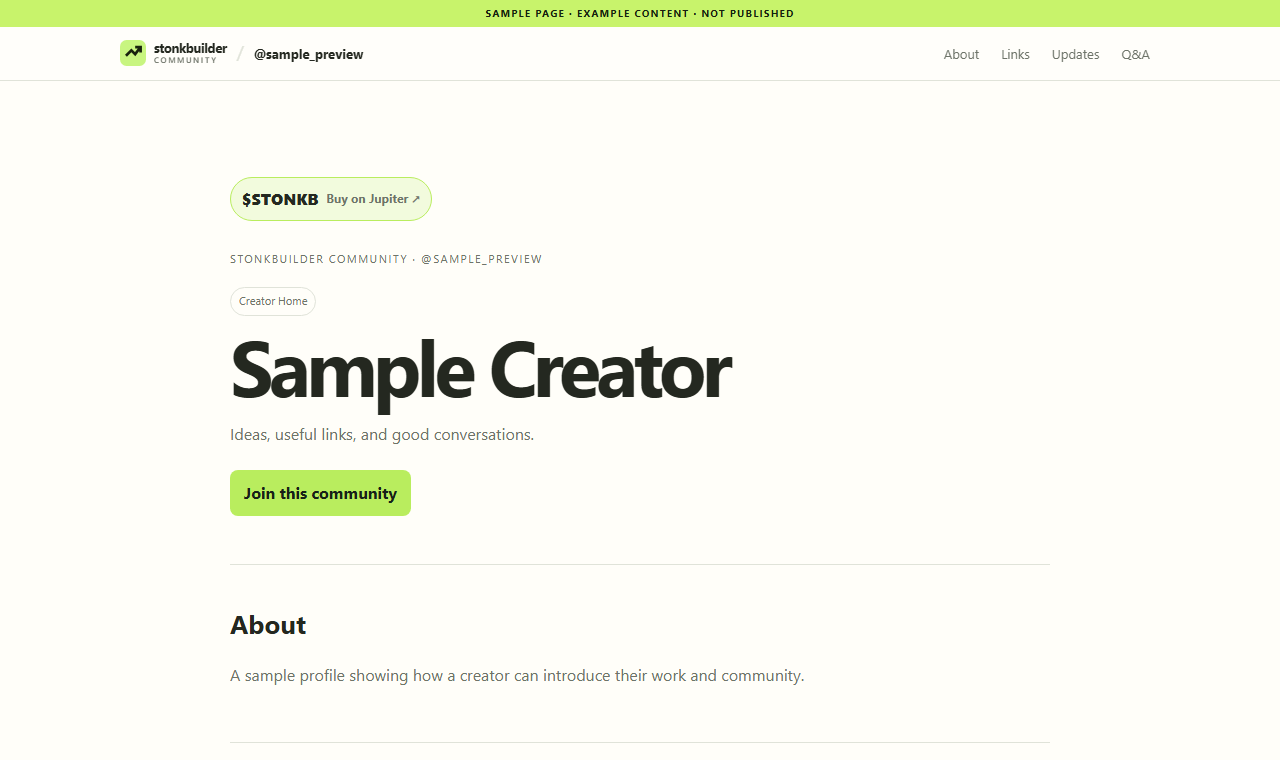
Turn your profile into a useful mini-website: introduce your community, group important links, post updates, host Q&A, and share events—all in one place.
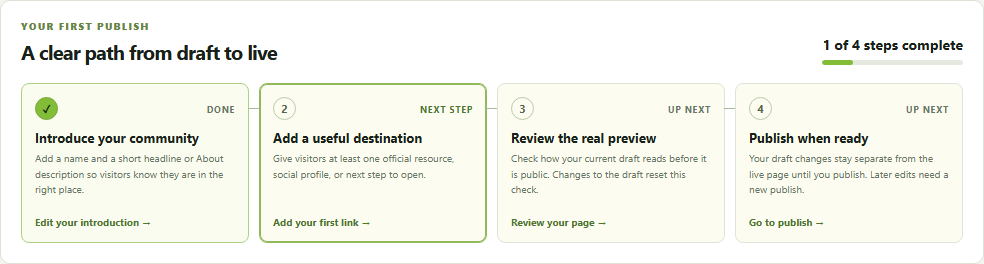
Creator Studio feature preview · Account required to publish
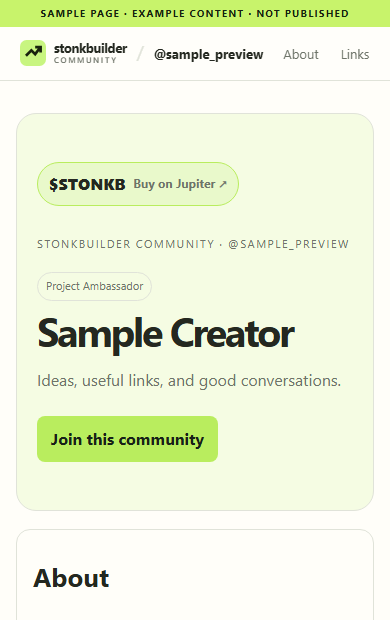
 CREATOR STUDIO · FIRST PUBLISHTEST CAPTURE · 25 SEP ↗
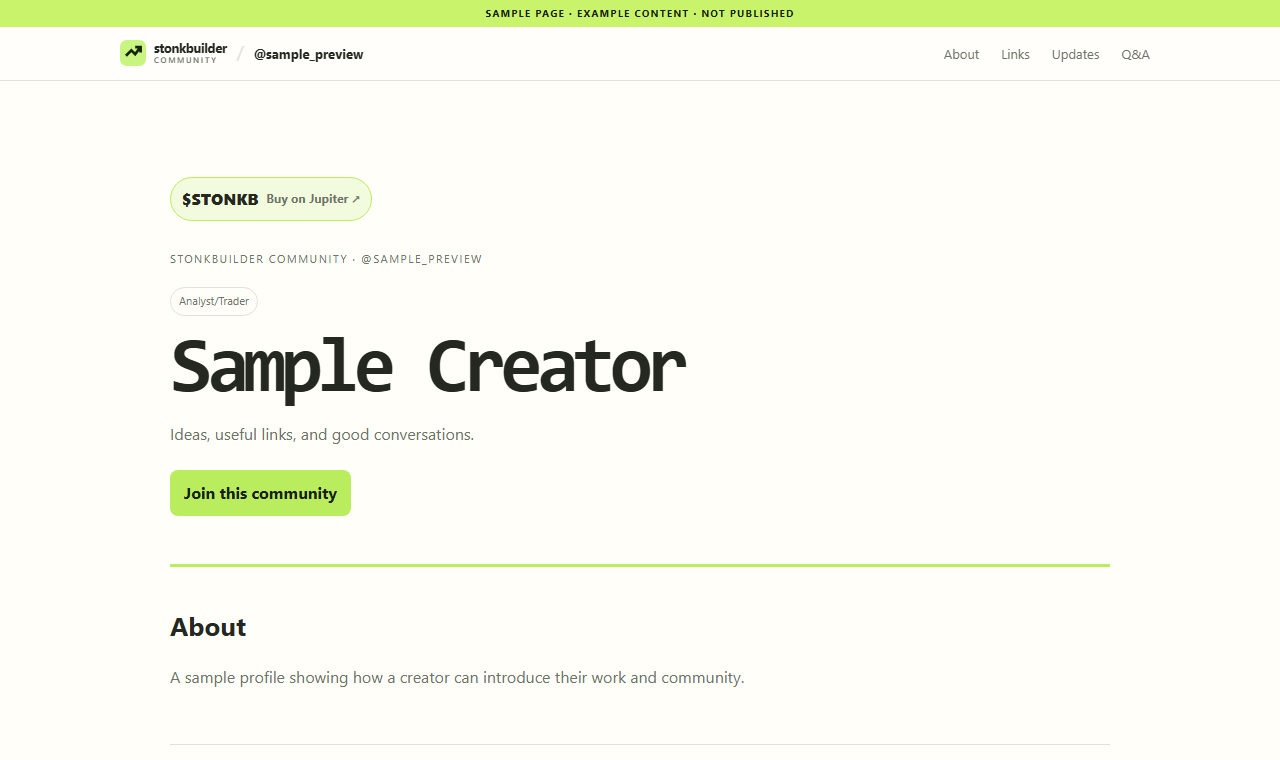
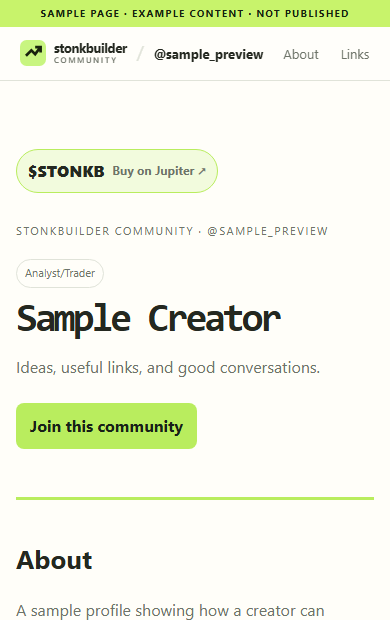
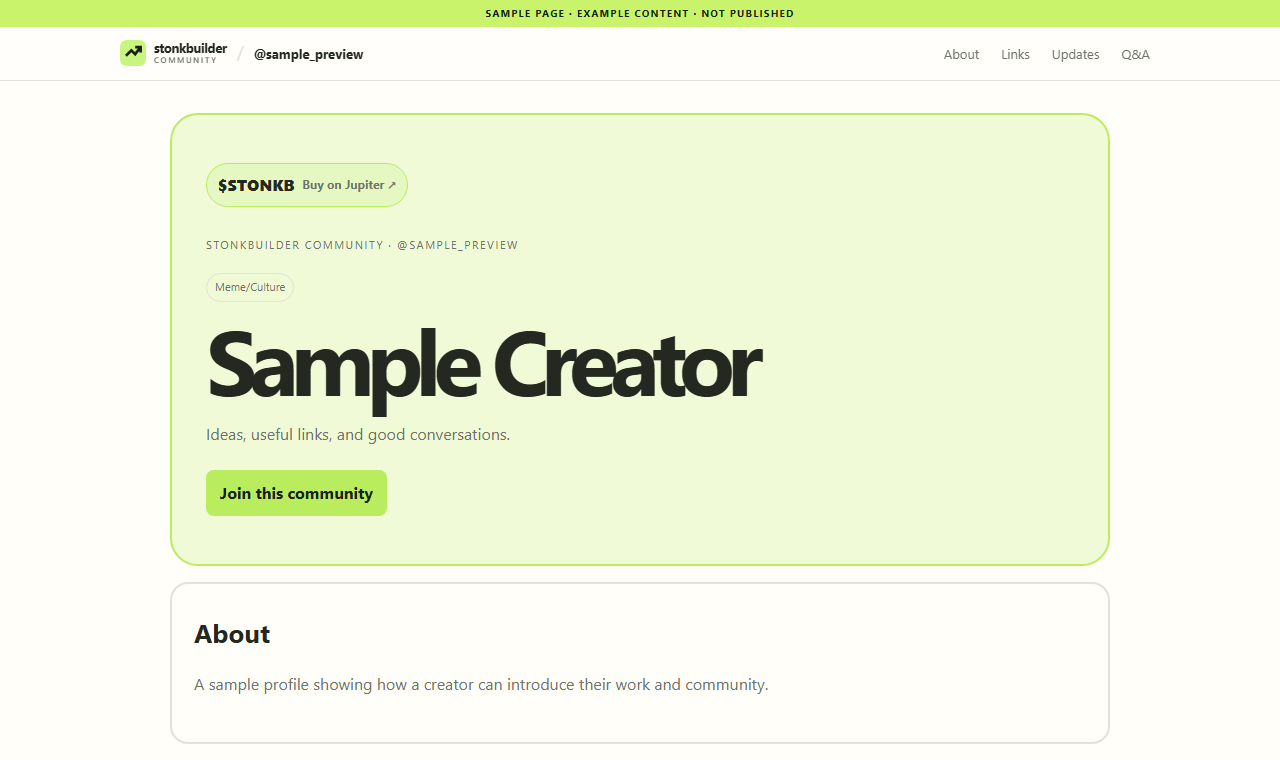
SIX STARTING LAYOUTS
Choose a layout to carry into creator setup. You can change the design in Creator Studio; your content stays yours when you switch.
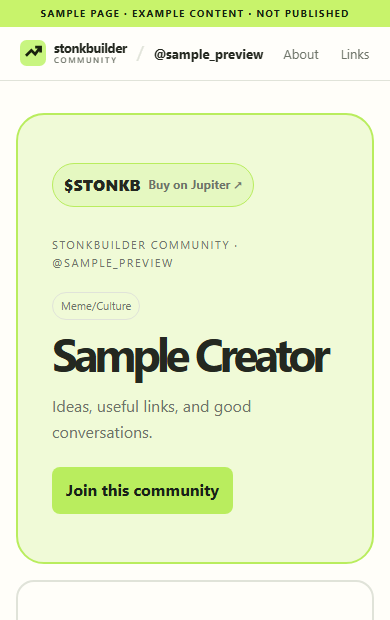
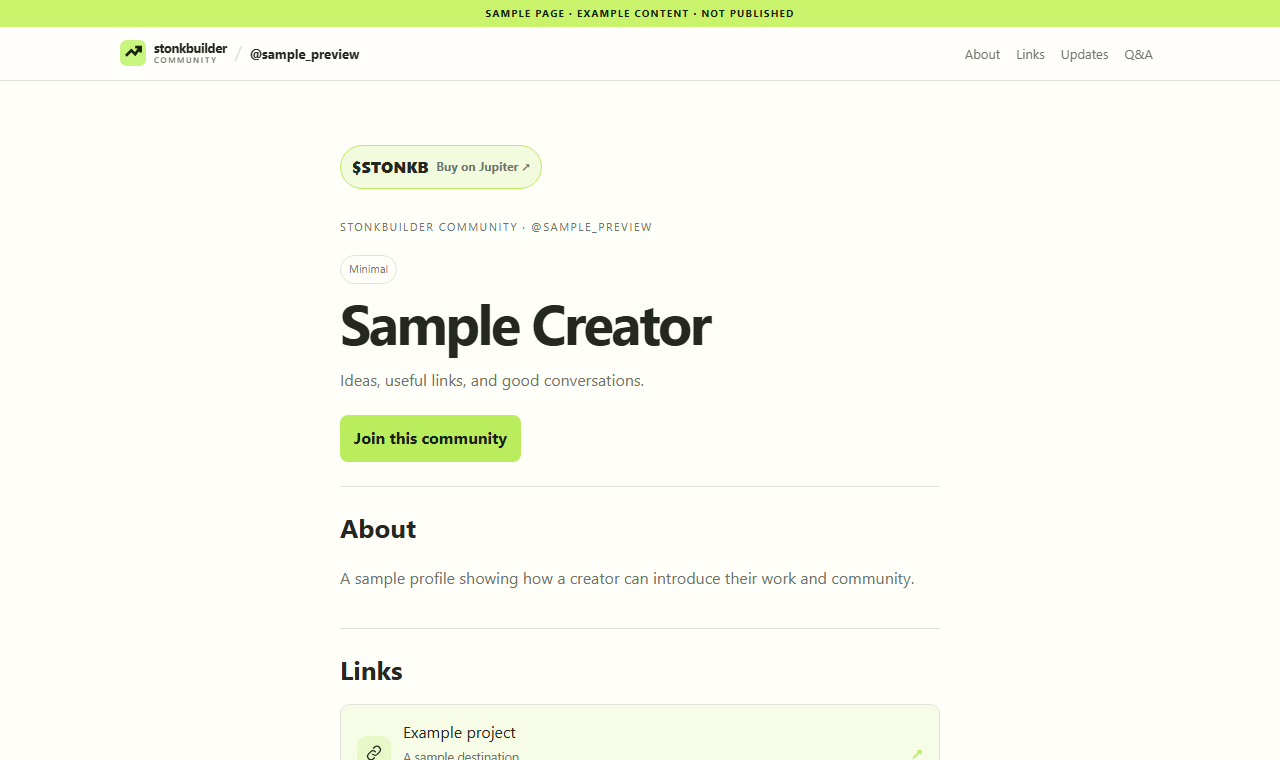
A balanced introduction, link hub, and community sections.
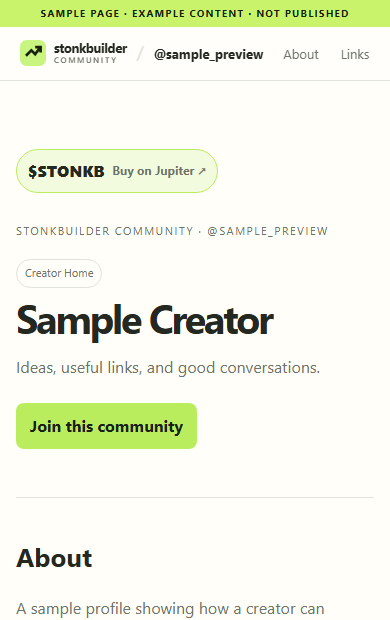
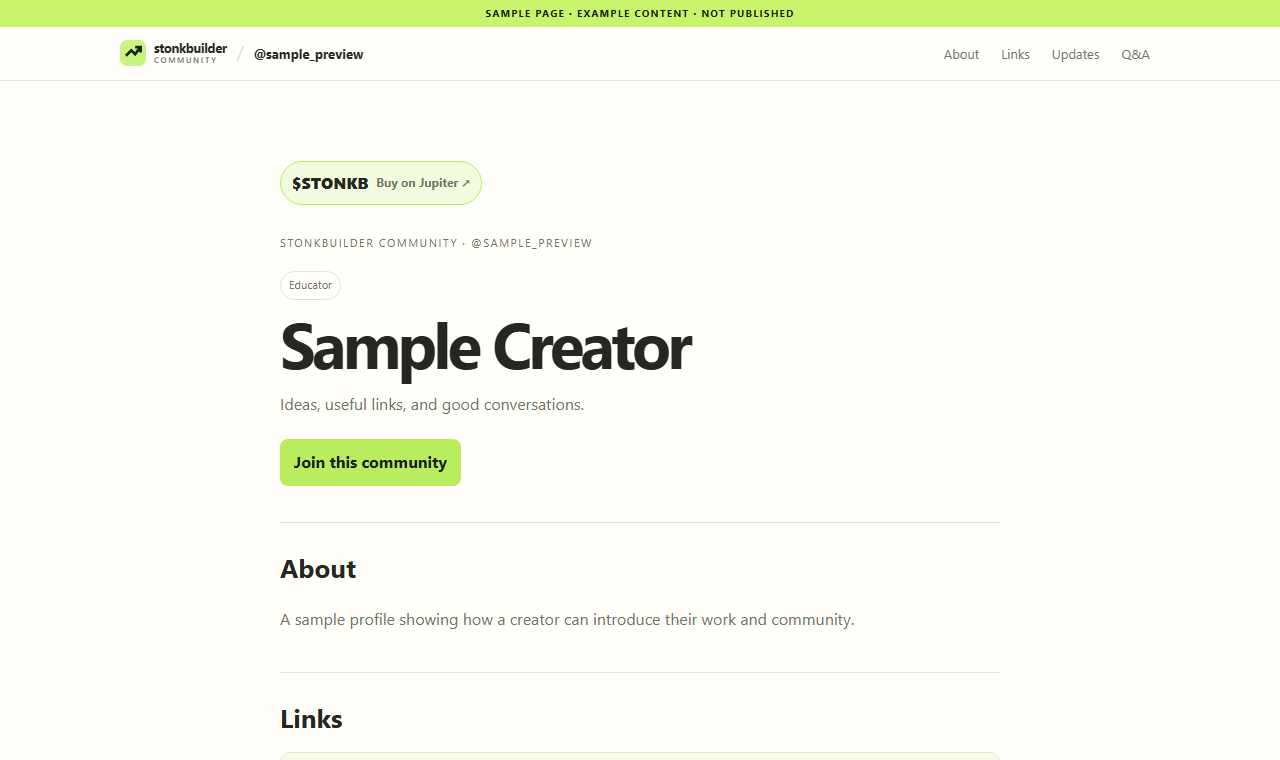
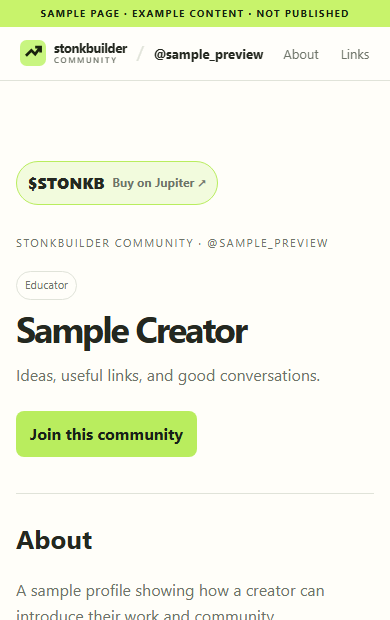
Give learning resources and clear explanations room to breathe.
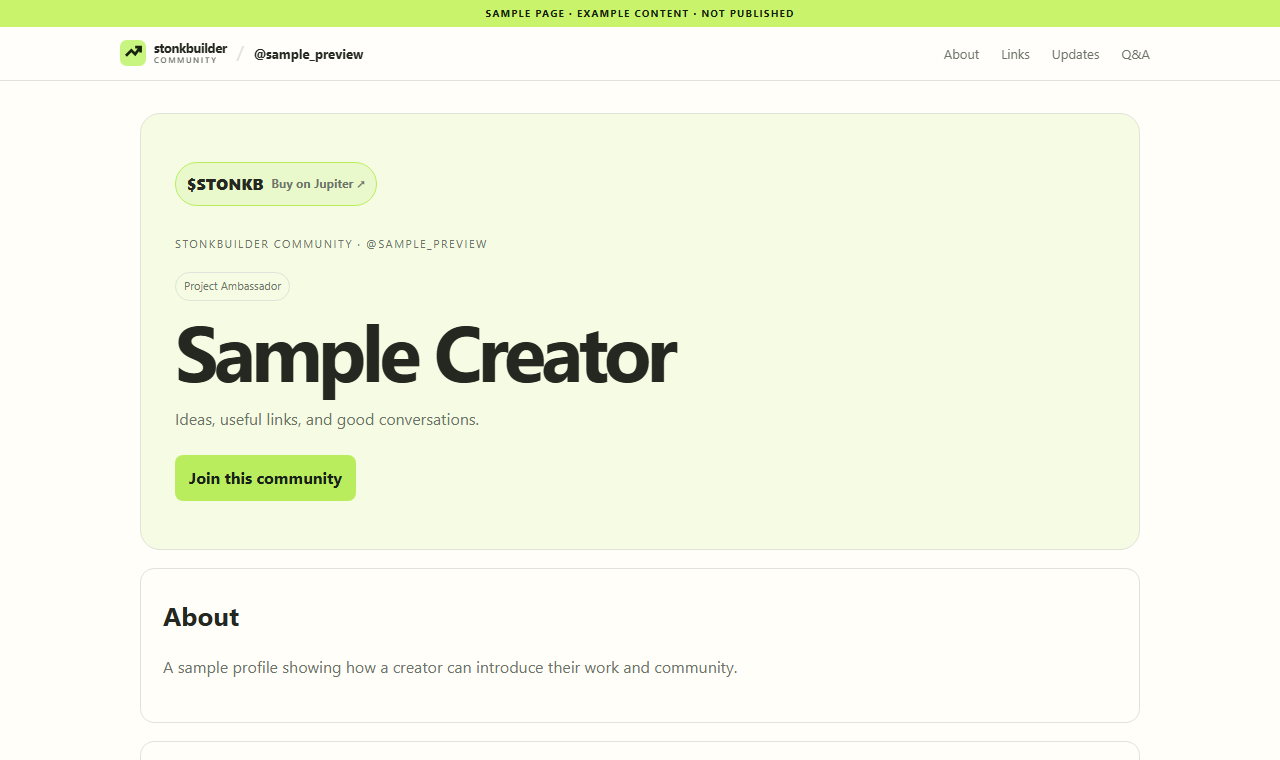
Put a project introduction and official destinations up front.
A precise, scan-friendly home for research links and updates.
A more expressive presentation for a culture-led community.
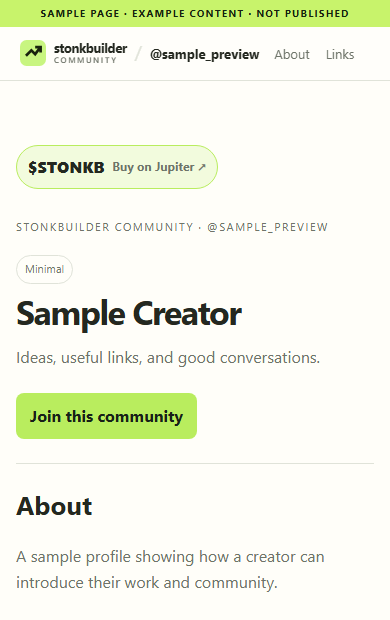
Keep the profile and essential destinations in focus.
INSIDE CREATOR STUDIO
These real Studio screens show the creator-side tools up close. They use sample data—not a creator’s private workspace—and illustrate the current workflow rather than a promise that every setting is enabled for every account.
01 · LAUNCH CHECKLIST
See what is ready, what still needs attention, and keep publishing as a deliberate final step.
Follow the creator setup guide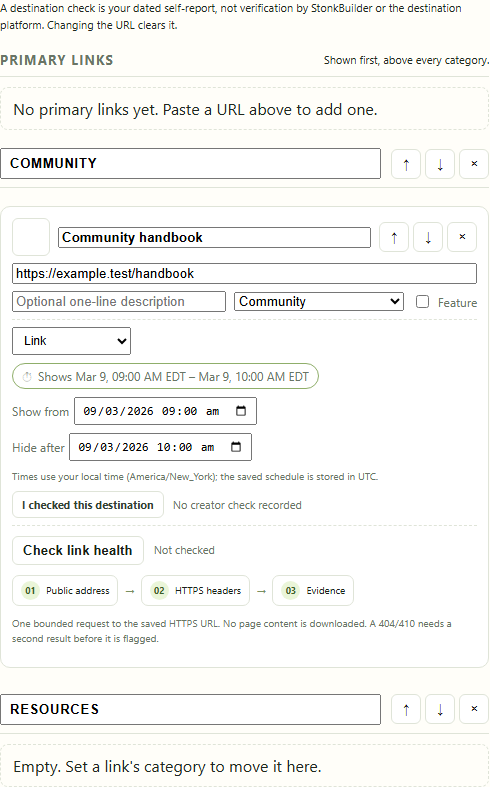
02 · ORGANIZE & SCHEDULE
Group destinations, set visibility windows in your local timezone, and review when each link appears.
Explore creator setup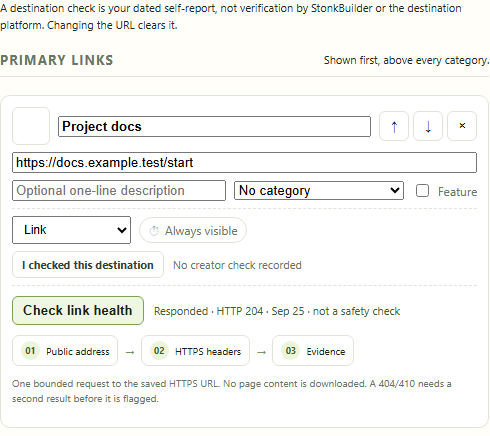
03 · LINK HEALTH
An owner-initiated, bounded availability check can flag repeated not-found responses. It is not a security scan or a safety guarantee.
See creator guidance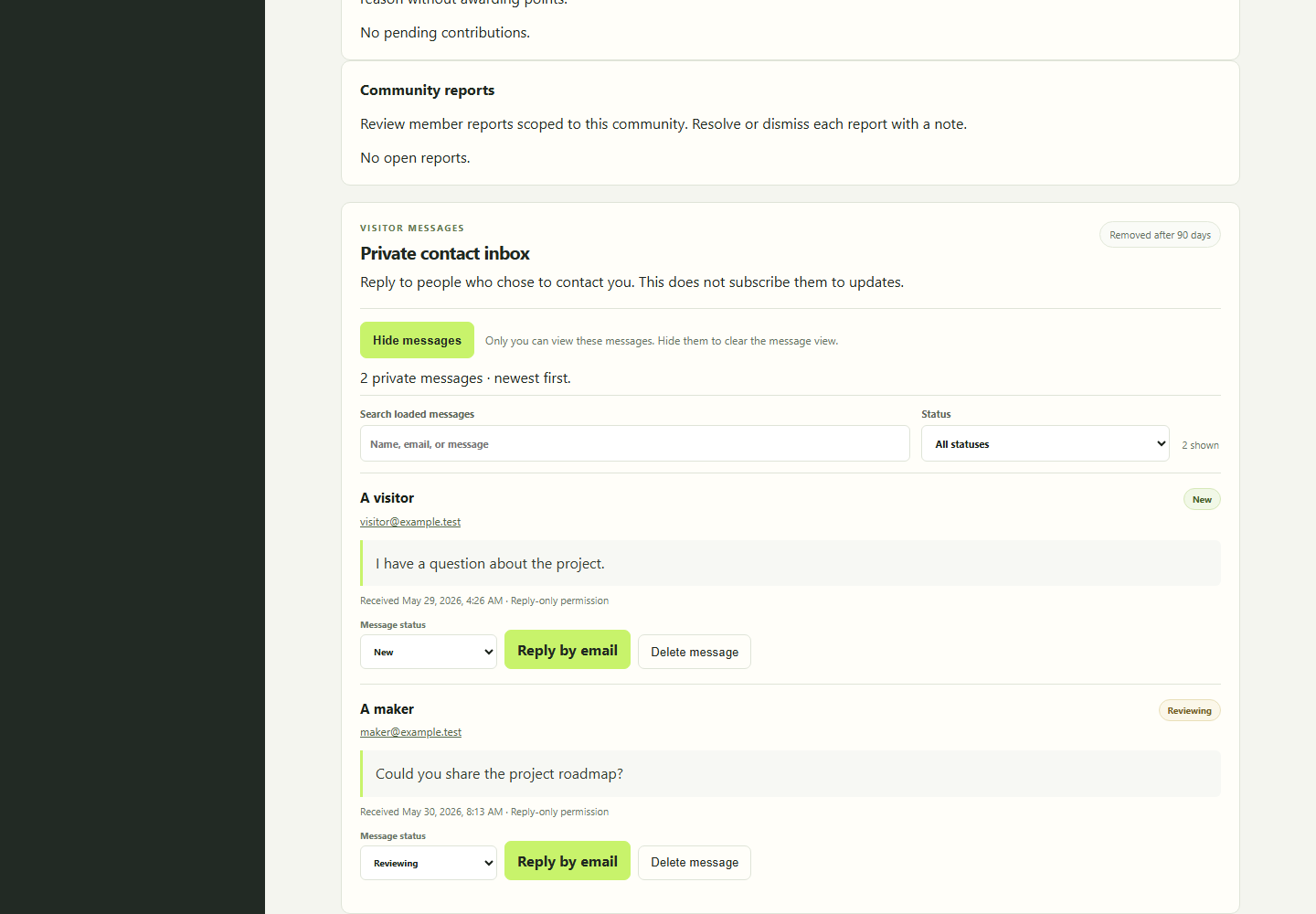
04 · PRIVATE CONTACT
Read and manage one-off messages in the owner inbox. Contacting a creator does not subscribe someone to updates or join them to a community.
Learn how creator pages workPreview images use test content. Email newsletter signup is intentionally not shown here; it stays unavailable until confirmed email delivery is configured.
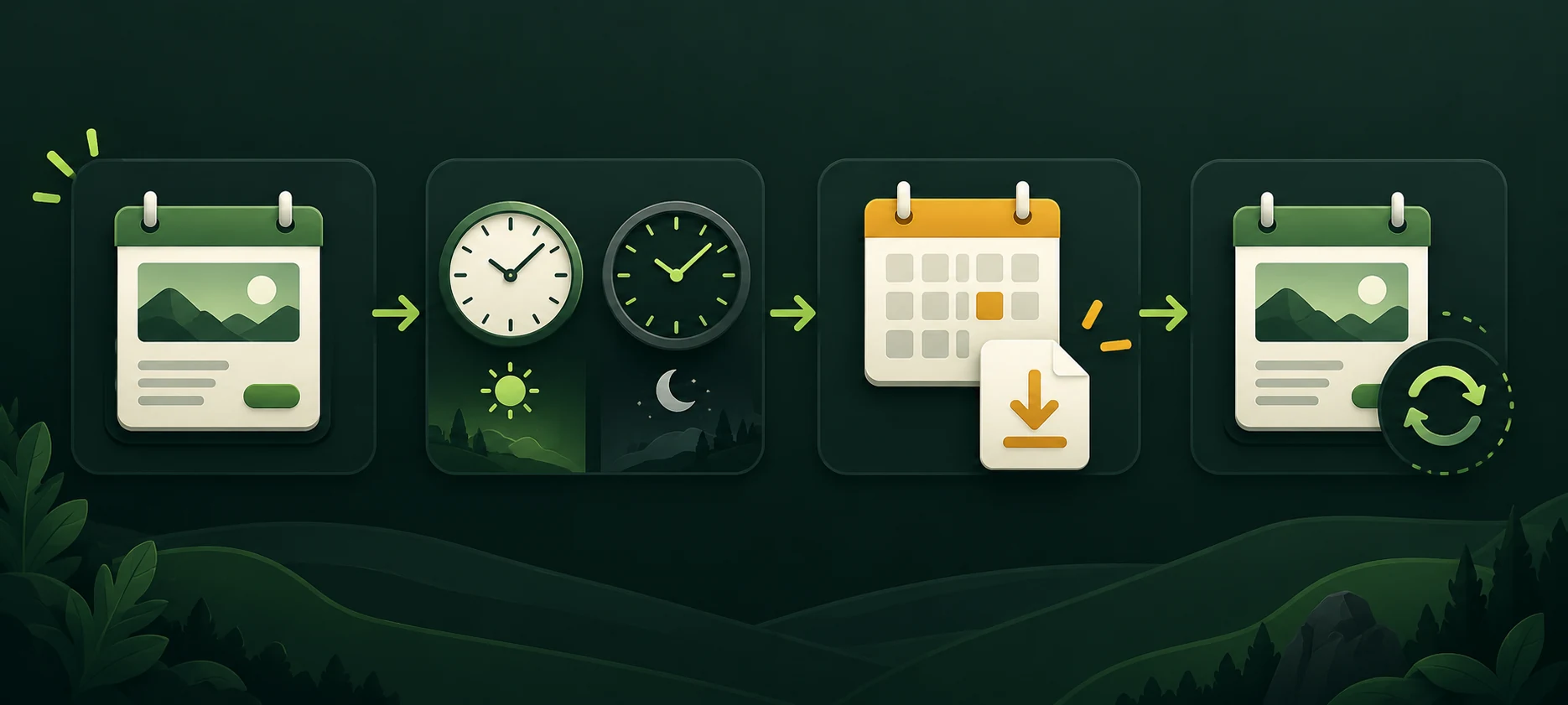
COMMUNITY EVENTS · BUILT FOR REAL TIME ZONES
Creator events show the host’s time and your local time side by side. Save a calendar file when plans are set, then check the community page again for changes.
A SMALL DETAIL THAT PREVENTS MISSED EVENTS
FOR MEMBERS · BEFORE YOU JOIN
Read a community’s page and rules first. If you choose to join, send useful work for creator review and follow the decision in your member portal.
Editorial photo, not a product screenshot or a real member case.
A REAL FLOW · SYNTHETIC TEST ACCOUNT
These browser captures follow one local test journey. They are examples—not live community data, a promise of approval, or a promise of points.
01 LOOK AROUND FIRST
SAMPLE · BEFORE JOINING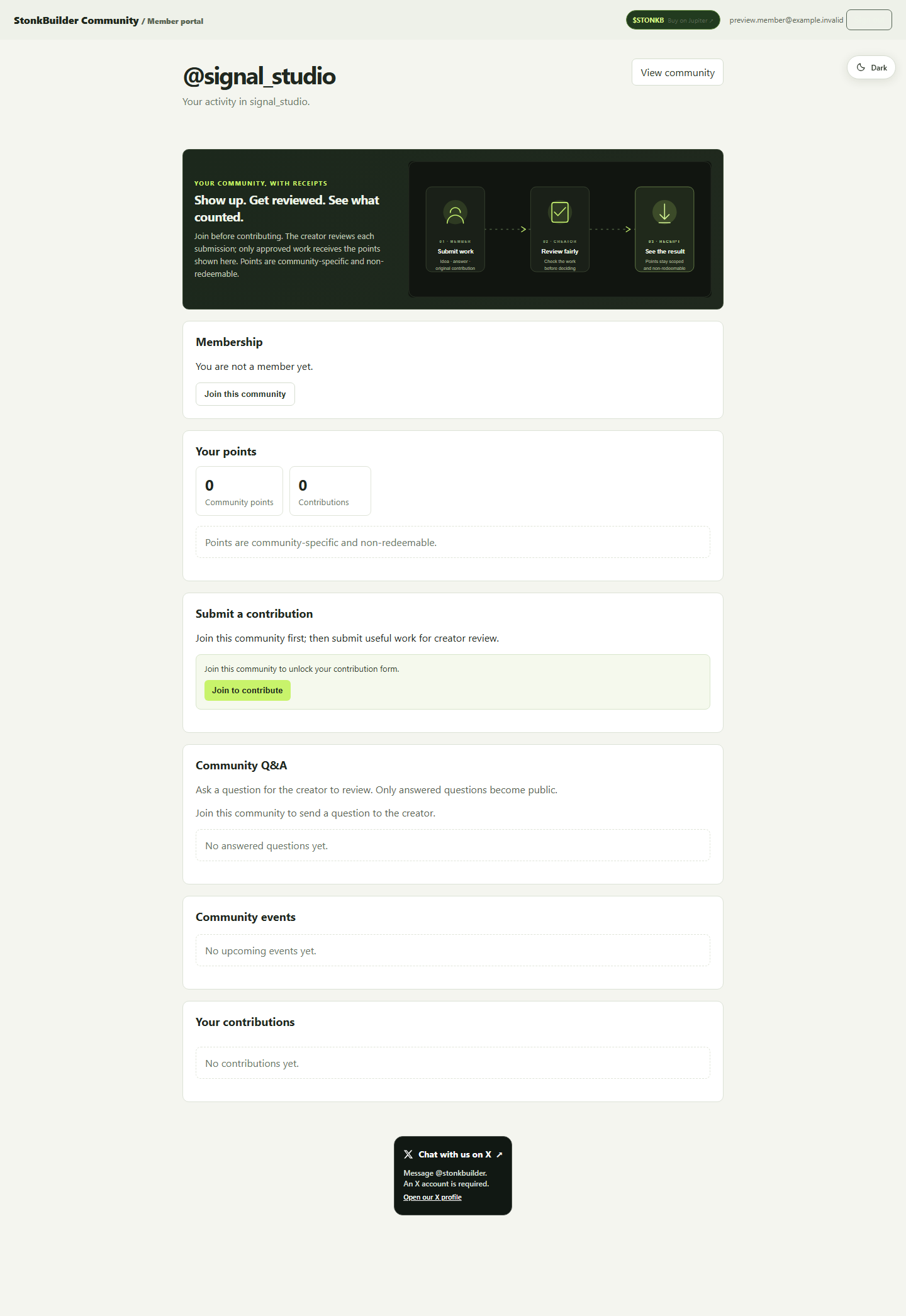
Membership is an explicit choice. Contribution and member Q&A actions stay gated until you join.
02 SEND USEFUL WORK
SAMPLE · WAITING FOR REVIEW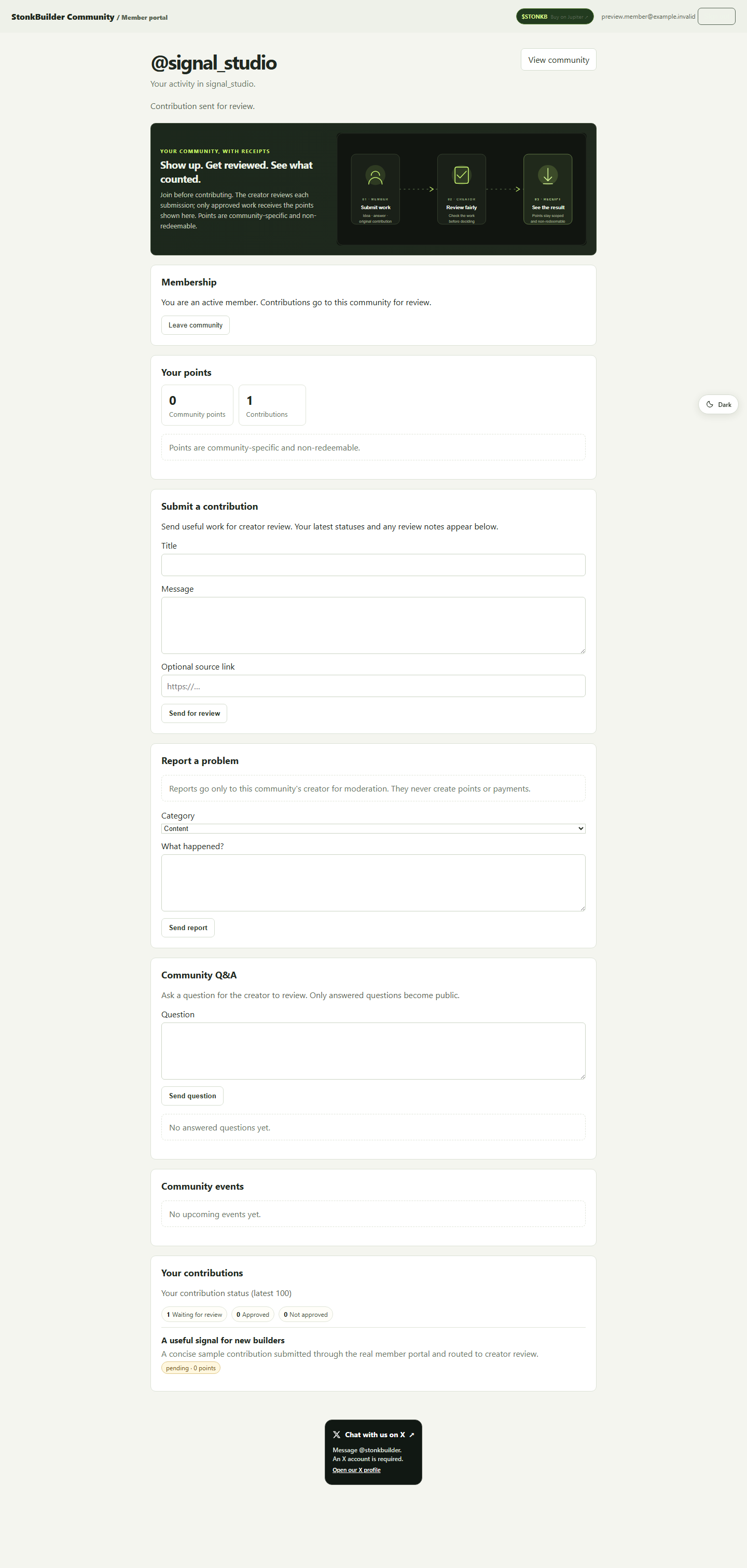
Your submission appears in the portal with its current state. Pending work has not earned points.
03 SEE THE OUTCOME
SAMPLE · CREATOR APPROVED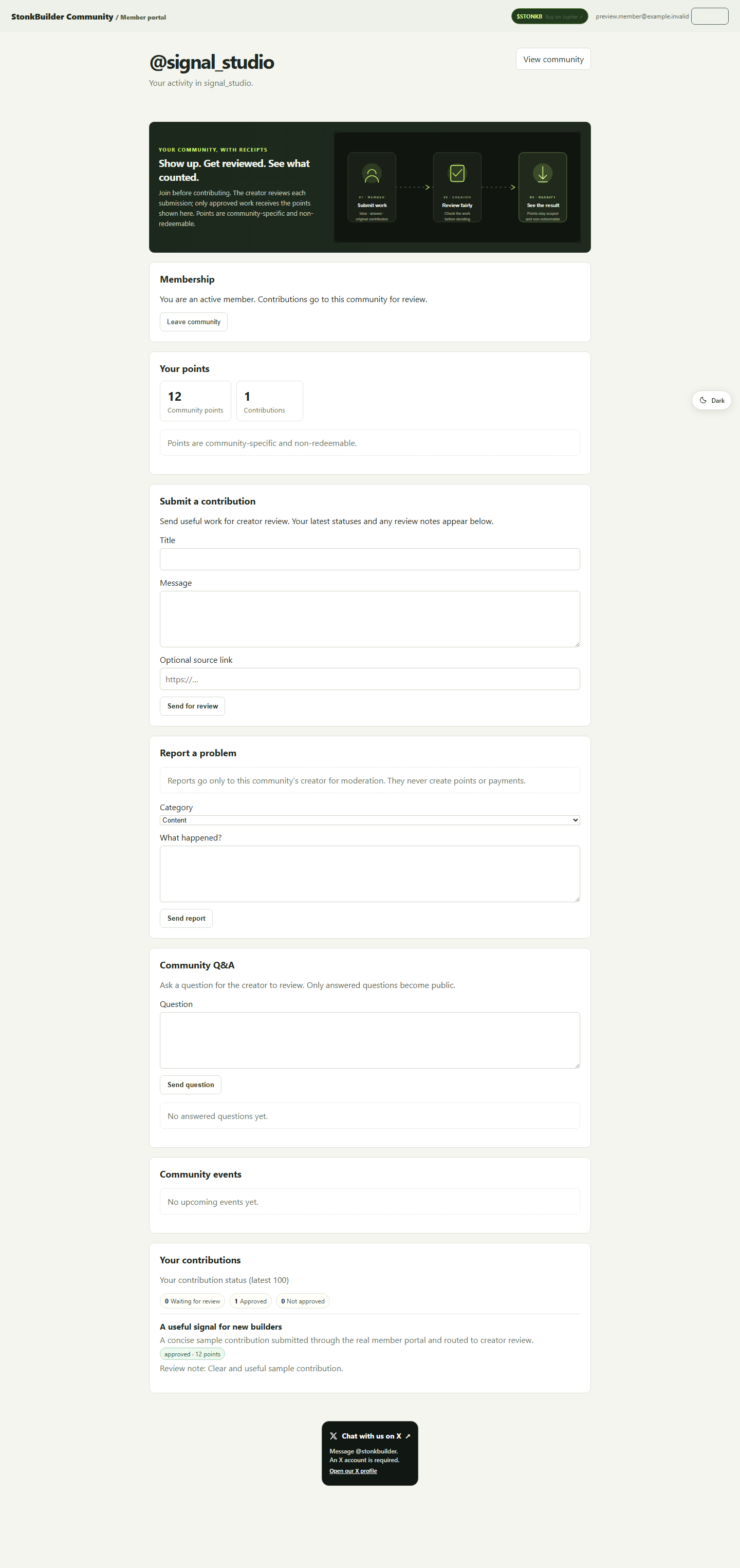
In this test only, the creator approved one sample contribution and awarded 12 points scoped to that community.

BUILT FOR THE PHONE IN YOUR HAND
The test capture is a responsive view of the same member portal—not a separate mockup. Open it full-size to inspect the complete page.
See the full member walkthroughPoints are community-specific and non-redeemable. A creator’s review determines the outcome; the sample 12-point result above is not a live balance or typical reward.

A SECOND LOOK · HUMAN REVIEW
If a contribution is declined, the member portal offers one appeal within seven days. It asks for a 10–2,000 character explanation so the creator can review the concern and its evidence.
A SIMPLE WAY IN
Choose the route that matches you. You can explore public pages before creating an account.

FOR CREATORS

FOR MEMBERS
Points are a reviewed community record—not a payout. Submissions start pending and earn no points until reviewed. An approved contribution receives points in that community; a rejected one receives zero. Points cannot be redeemed, payments are disabled, and rewards for X actions are blocked. Check the current rules before participating.
LEARN AT YOUR OWN PACE
Short walkthroughs for creators and members, plus deeper articles for planning a community home.
 6 MIN · INTERACTIVE GUIDE
Find your way around the dashboard, follow the creator or member path, and understand the points rules.
Start the guide ↗ CREATOR PLAYBOOK
Plan the welcome, current updates, rules, and next step.
Read the article ↗ MEMBER EXPERIENCE
Understand expectations, events, contribution reviews, and how to request a second look.
Read the article ↗ LEADERBOARD WALKTHROUGH
Check the snapshot, inspect evidence, and understand the limits of a score.
Open the field guide ↗New to web3? Read the blog: projects explained simply, step by step
OUR MISSION
Free, plain-language guides that explain what each project does and show every step to use it. Every project community includes its verified contract address, its fees, its risks and step-by-step guides.
GOOD TO KNOW
Yes. The dashboard and published creator pages are public. You need an account to join a community, submit work, or create a community page.
No. Points are non-redeemable and scoped to their community. Payments and redemption are disabled.
Campaign status can change. The campaign badge and rules in the live dashboard are the source of truth. A draft or policy-gated campaign is not open participation.
YOUR NEXT STEP
Look around the live community, find a creator's home, or build one of your own.